Grades, brought into view
A clearer picture of learning, one grade at a time.
Keep course grades together and see how the work adds up to subject averages and GPA—all in your family’s school dashboard.
Where Everyday Life Becomes Learning.
01 · Set up a course
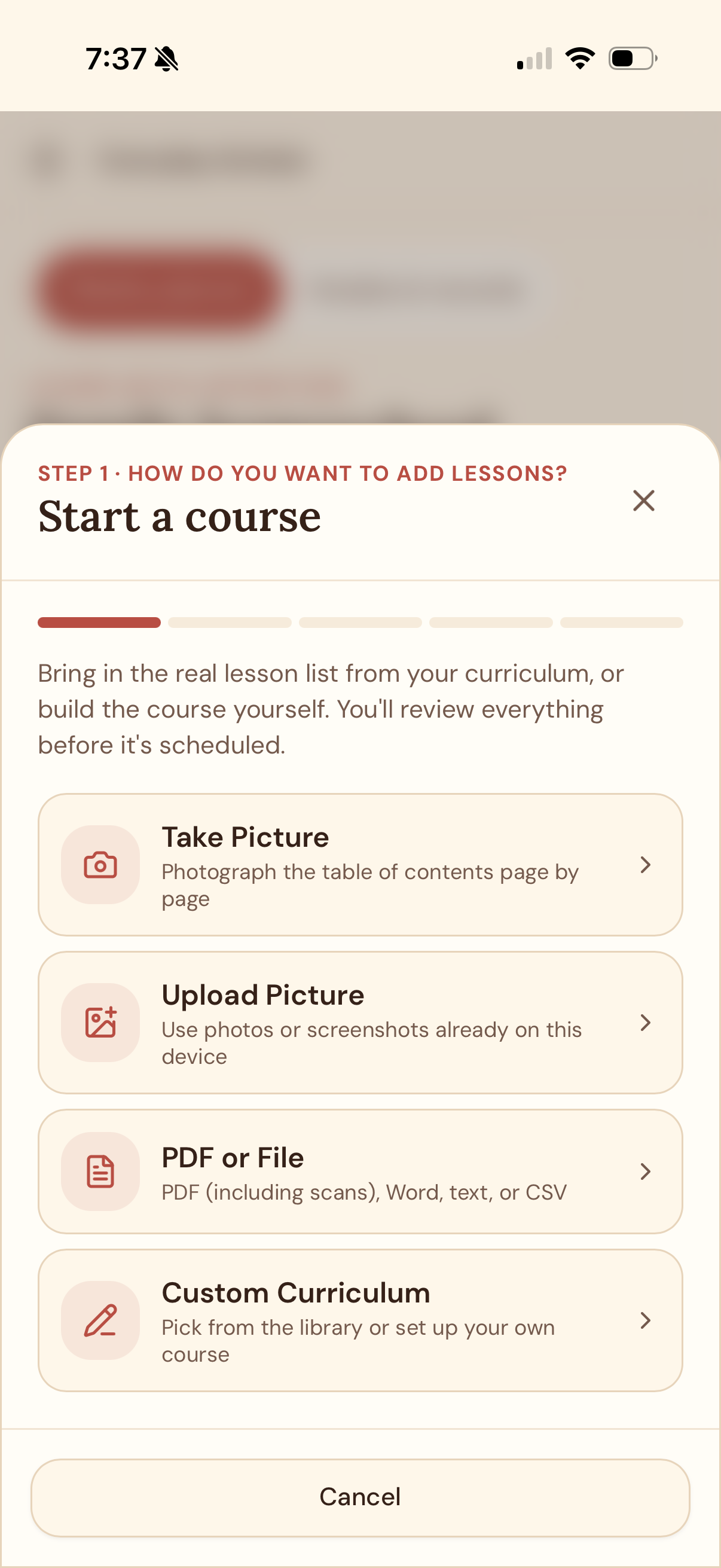
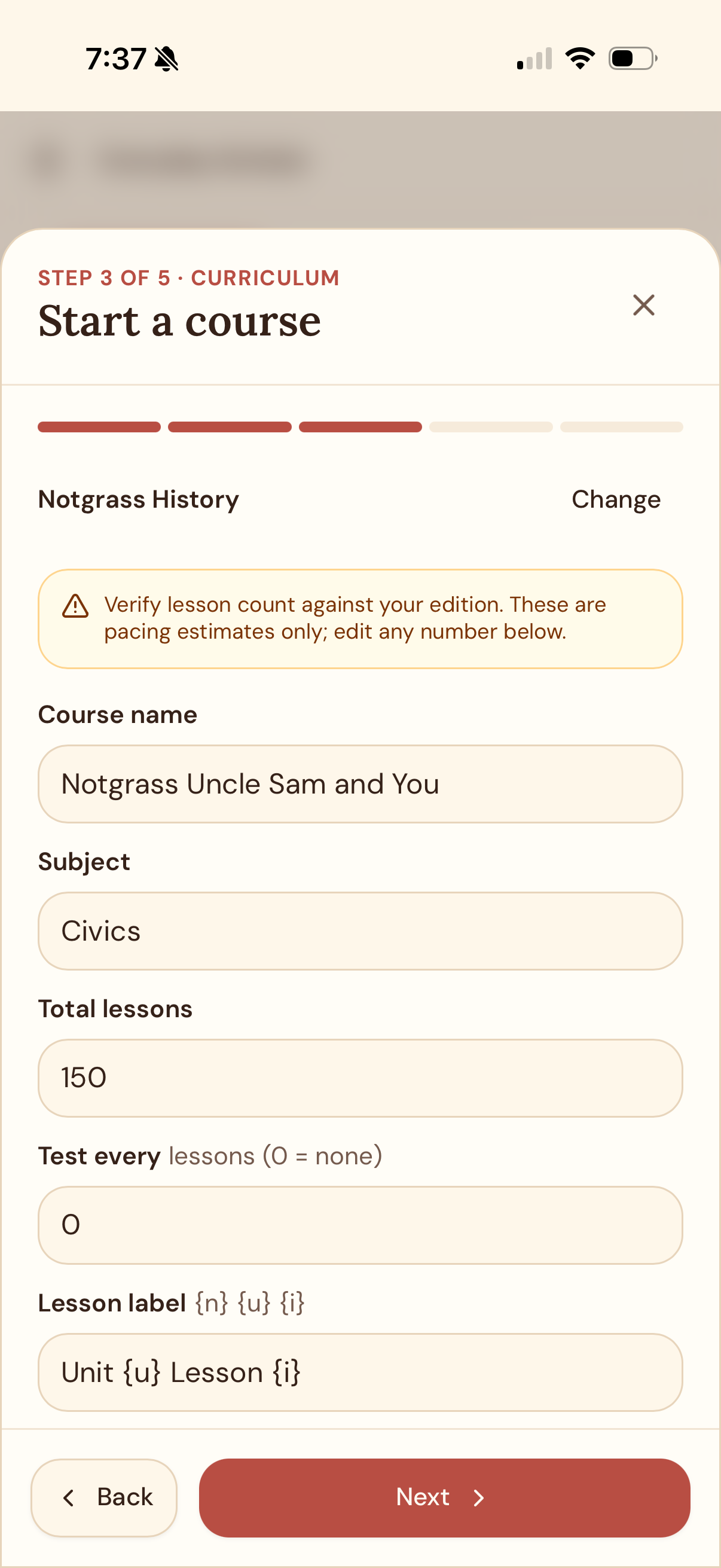
Start with the curriculum you already have.
Use a lesson list from a photo or file, or build a custom course. Review course details before the lessons are scheduled.
02 · Record an assessment
Add a score while the work is still fresh.
Save the assignment name, date, and grade. Enter a letter or percentage, or record earned points out of the total. Graded entries count toward averages when marked to count.
Open Everyday Scholar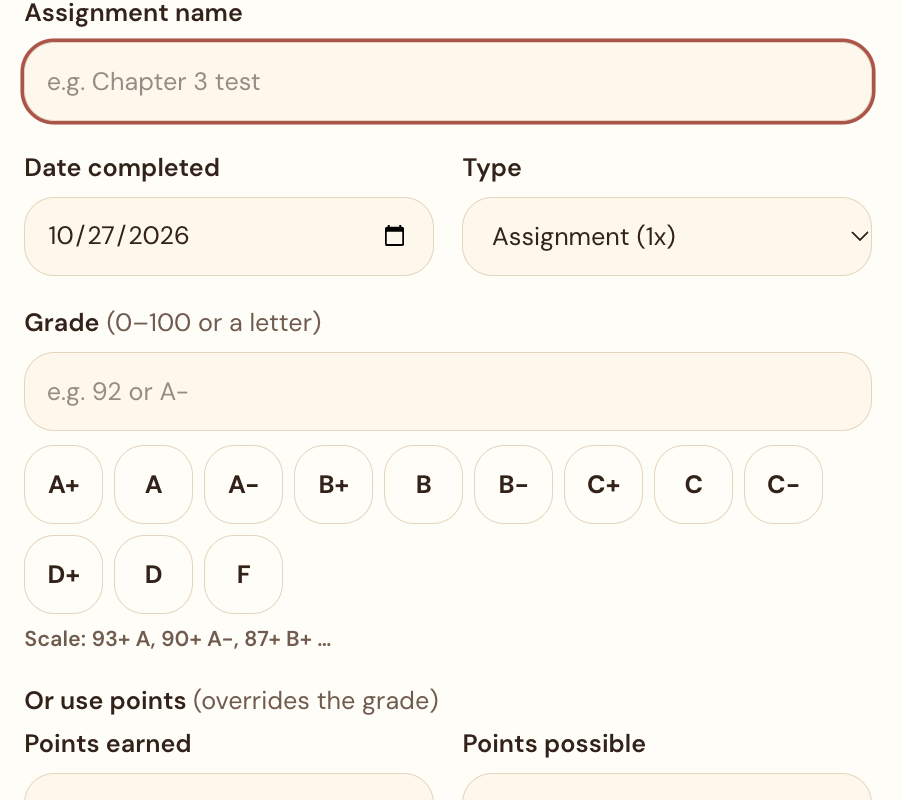
03 · Review grades and GPA
See how each subject contributes.
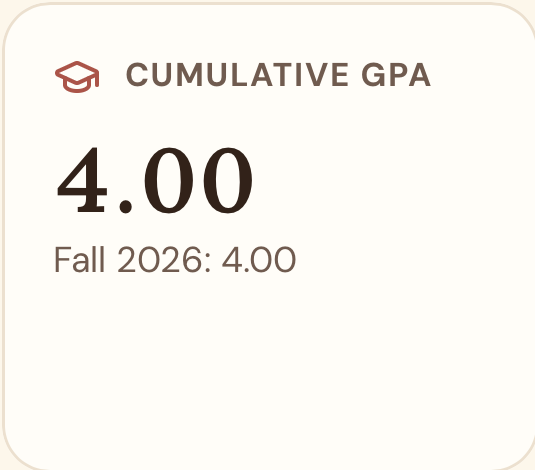
Everyday Scholar averages graded entries within each subject, converts the subject average using your family’s grade scale, then weights GPA by subject credits. Cumulative and current-term views help keep progress in context.
Unrated, excused, and non-counting entries stay out of the average.
Set subject credits and a grade scale to fit your records.
04 · Keep high-school records
When it’s time, bring the record together.
Optional transcript mode organizes high-school courses, credits, grades, GPA, and graduation progress. The export menu includes a transcript PDF; official exports require completed courses to be finalized.
Explore transcript tools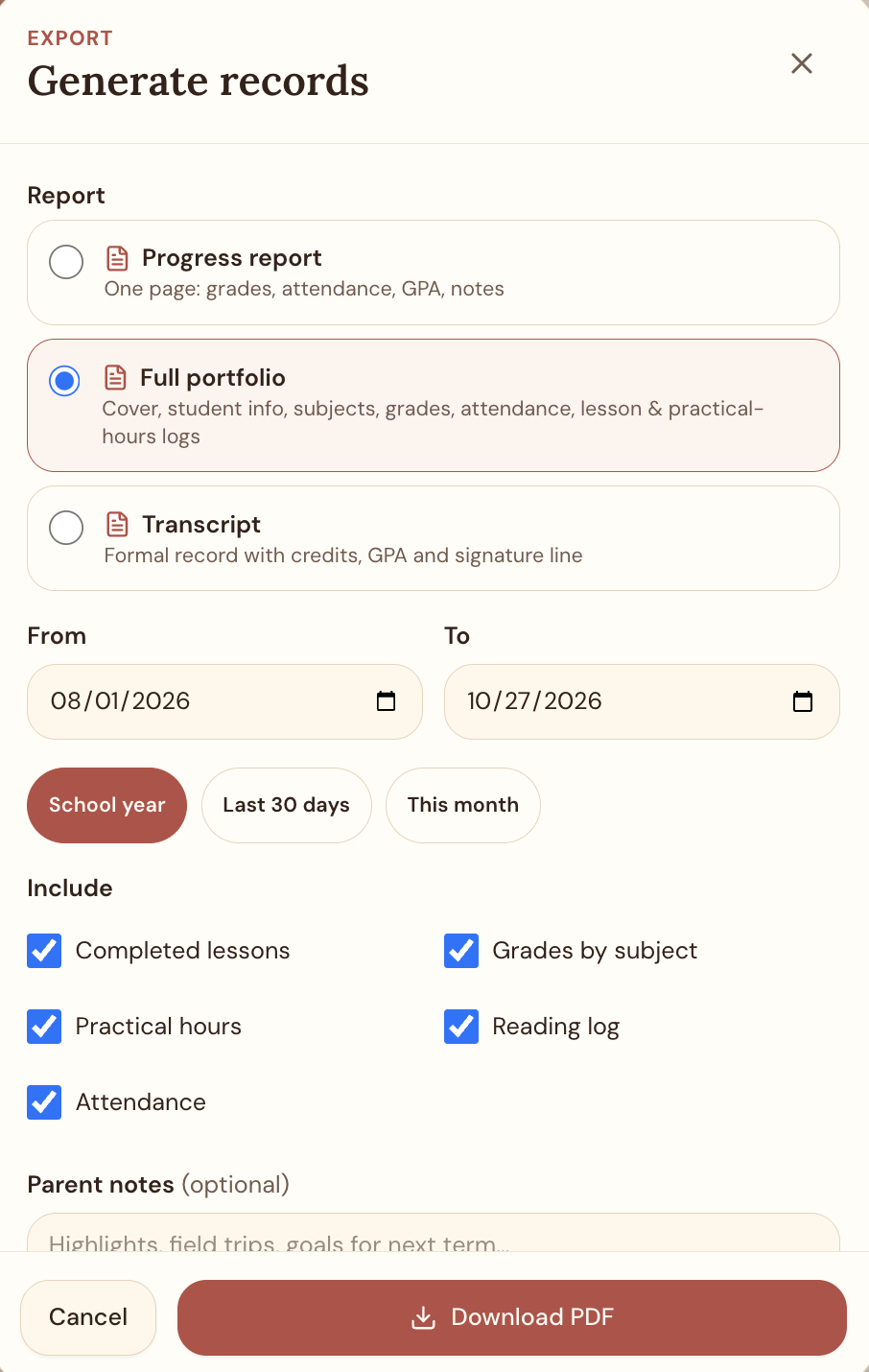
A little more clarity for the school year
Keep the records close. Keep the focus on learning.
Explore Everyday Scholar’s planning and record-keeping tools for your family.
Open the appFree while we build and test. We’ll notify you before any future paid plans begin; you won’t be charged without prior notice.